

01
Reads Detailed Prompts Well
GPT Image 2 handles layered instructions with care, so your final output stays closer to the idea you had in mind.
Turn ideas into polished visuals with GPT Image 2. Enjoy strong prompt understanding, clean text rendering, and sharp output quality.
See GPT Image 2 examples and practical prompt ideas to help you build stronger results faster.
Original Image

Change the clothes to sports
Generated Results








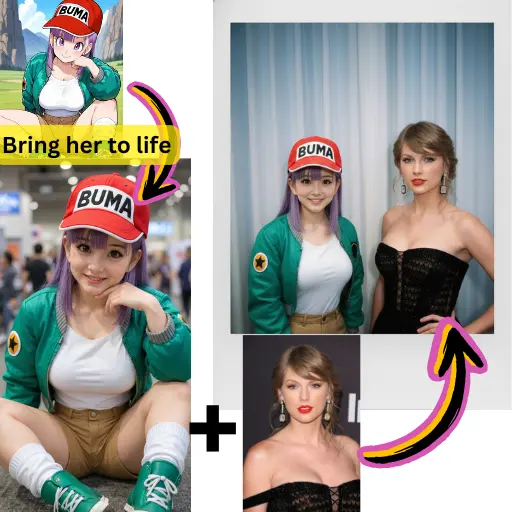
GPT Image 2 handles layered instructions with care, so your final output stays closer to the idea you had in mind.
Color, lighting, and texture come together smoothly, giving the output a realistic and polished feel.
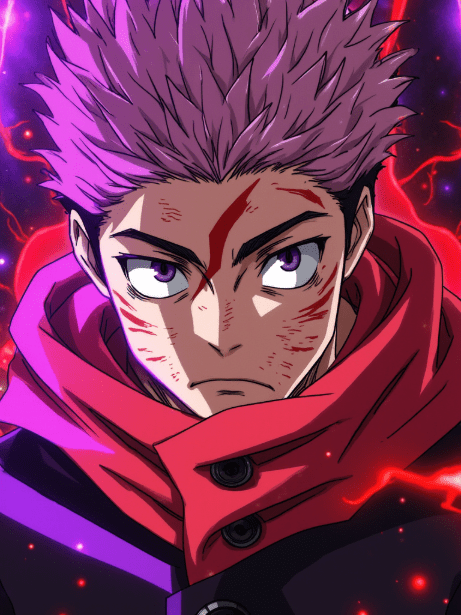
From commercial visuals to creative concepts, GPT Image 2 adapts to many styles without losing consistency.
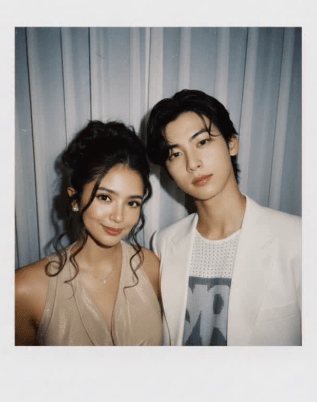
Expect sharper edges, better tonal control, and more refined composition than many older tools can deliver.
When your design needs a label, sign, or logo, GPT Image 2 can often place readable text inside the scene with better accuracy.
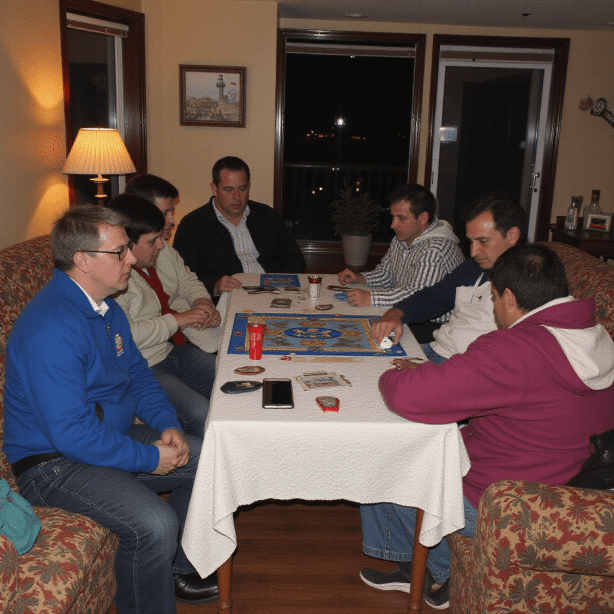
Keep a subject, product, or brand look aligned across multiple versions without starting from zero each time.
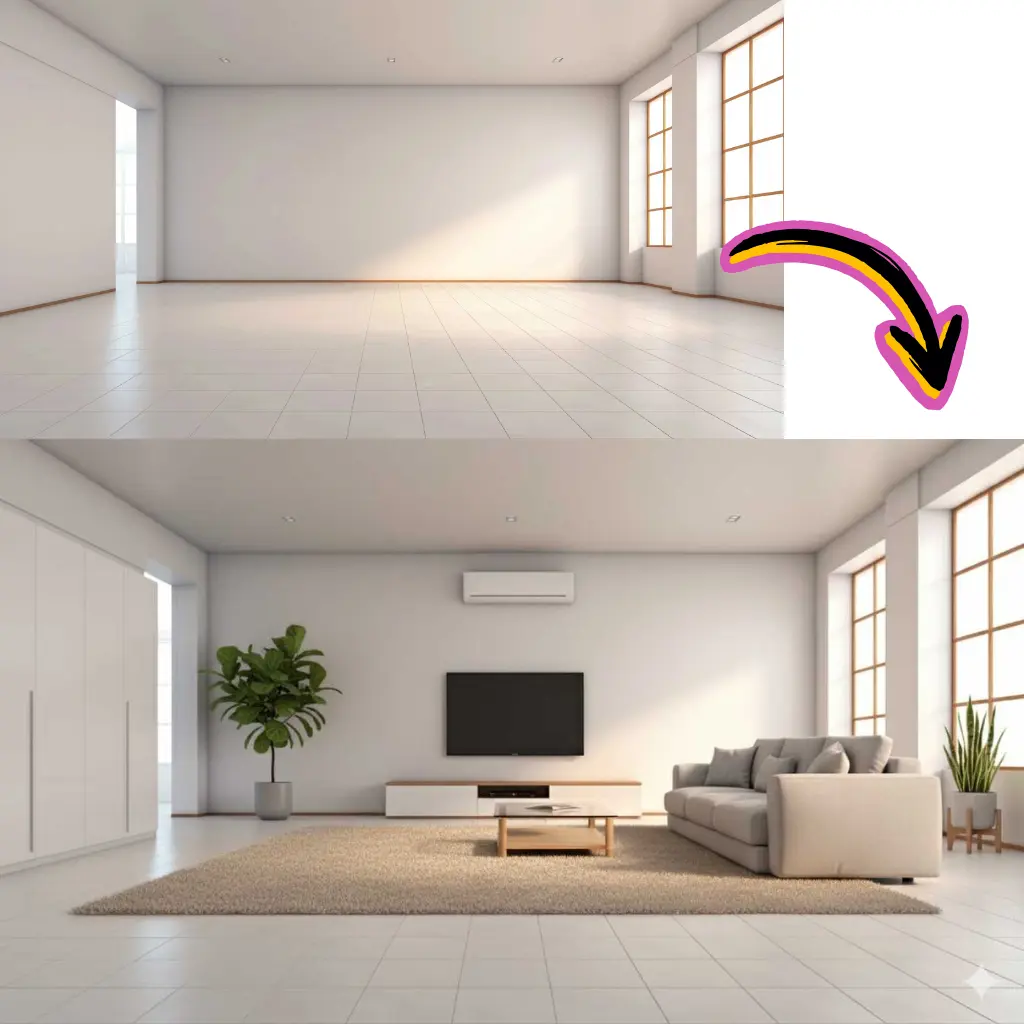
Share the subject, mood, light, and style you want so GPT Image 2 can follow your direction more closely.
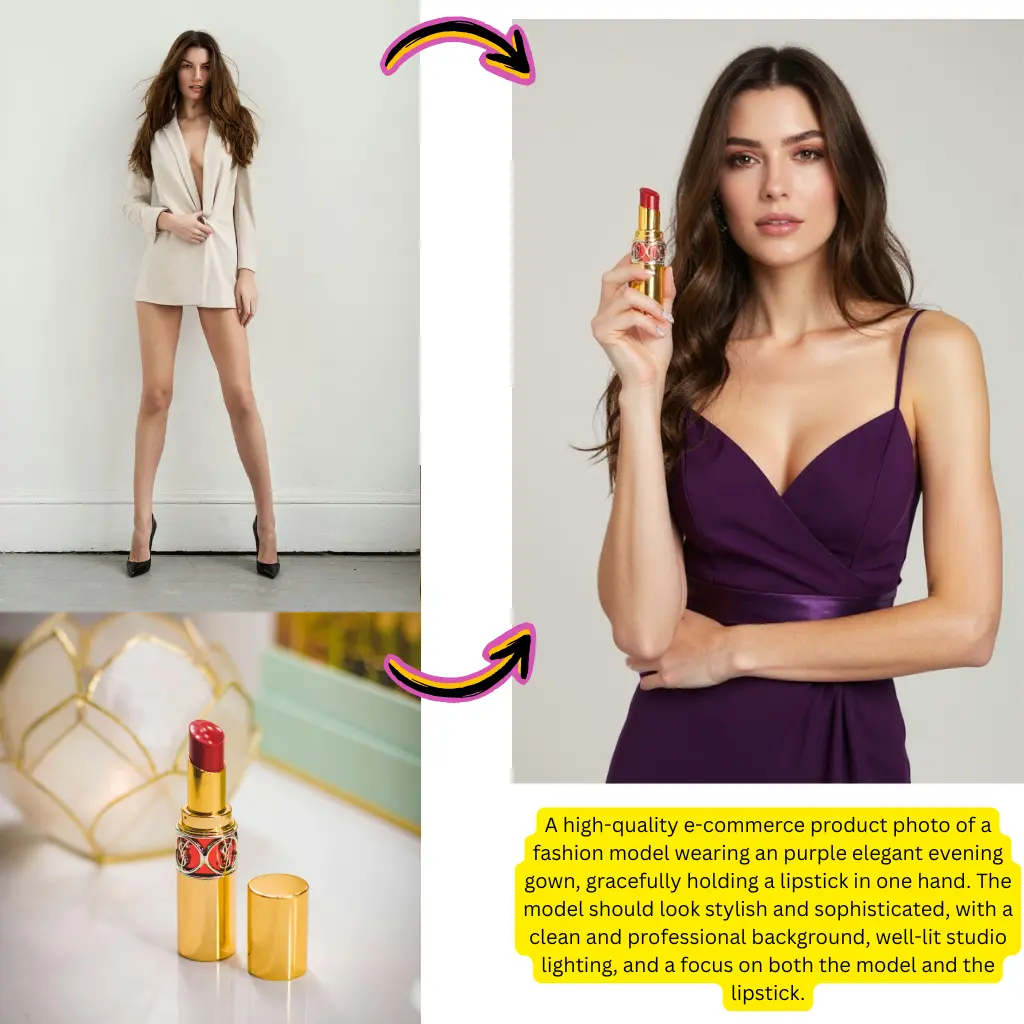
Select GPT Image 2 in the model picker to work with OpenAI's latest visual technology.
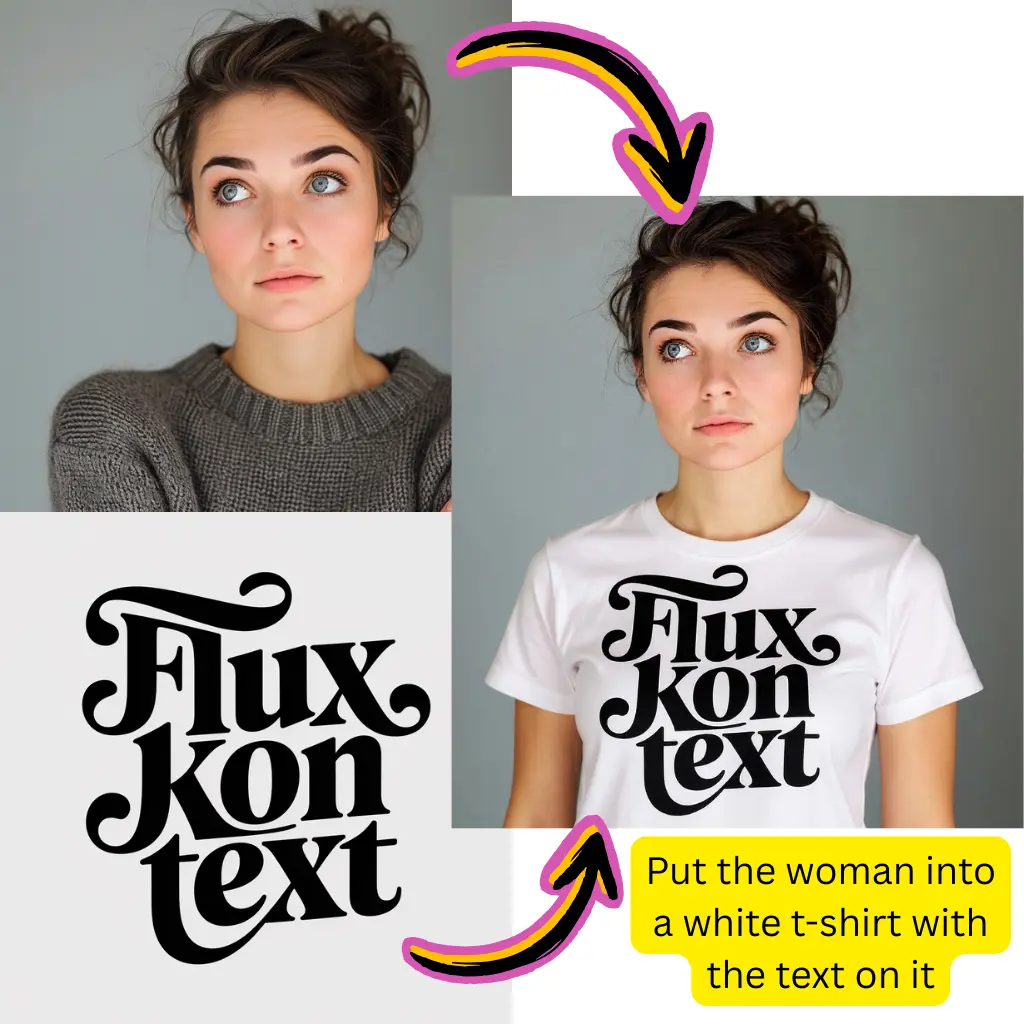
Generate the first version, check the result, and adjust the prompt until the output feels right.
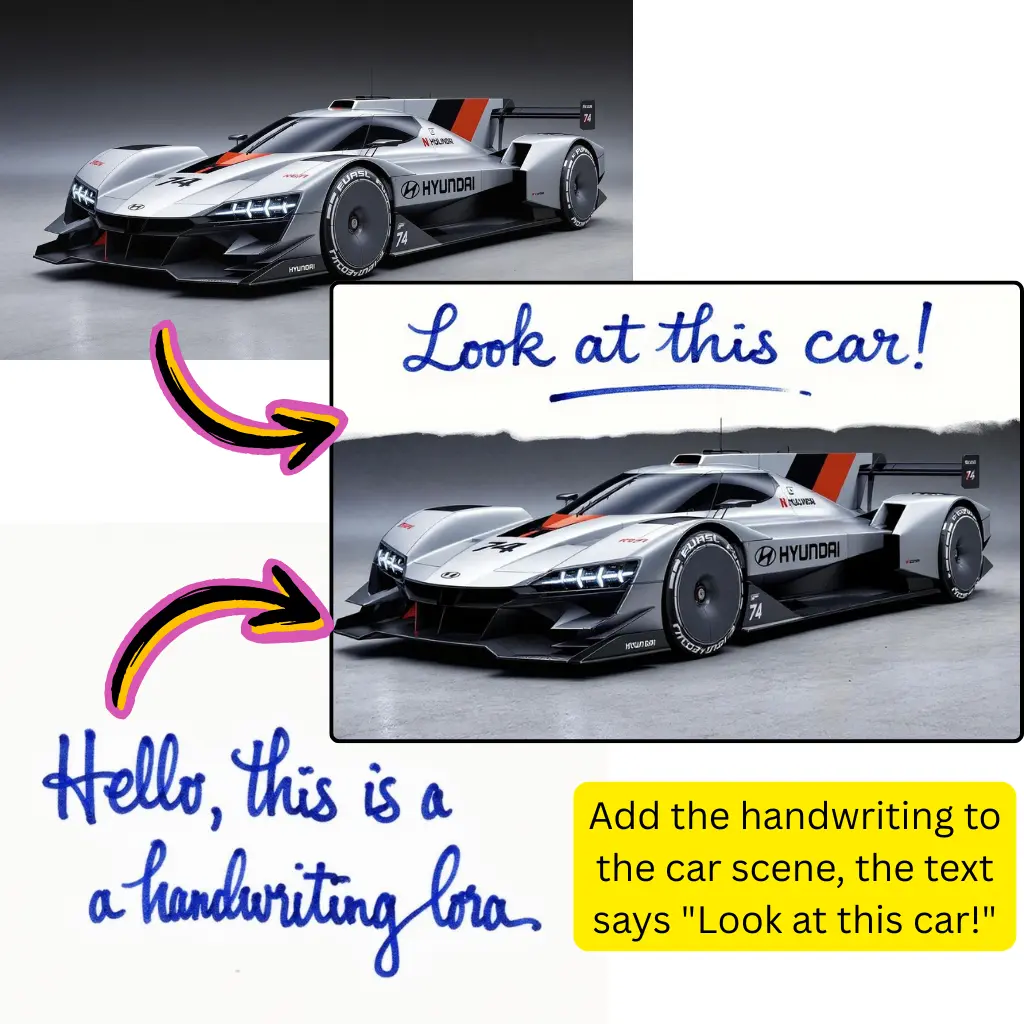
Download your GPT Image 2 output in high resolution for web use, print work, or client delivery.
Write what you want in plain language, and GPT Image 2 converts it into a strong visual output quickly.
Upload an image, describe the change, and GPT Image 2 updates the scene while keeping important details in place.
Use natural language to guide photo style, art direction, or atmosphere without touching technical settings.
Every result is built to look clear and professional across both digital and print use cases.
GPT Image 2 works well with multi-subject layouts, spatial depth, and interactions between objects.
Results usually arrive fast on Nano Banana's optimized setup, so you can keep moving.
Images Created
10M+
Generated with GPT Image 2
User Satisfaction
97%
Quality rating
Generation Speed
<15s
Average time
GPT Image 2 is OpenAI's advanced visual model for creating images from text and editing uploaded photos. It is designed for stronger prompt understanding, sharper detail, and better text placement inside images than earlier OpenAI options.
Yes. Nano Banana lets you try GPT Image 2 free without signing up. New users can start with included credits, and paid plans are available if you need more volume or faster access.
ChatGPT image features rely on OpenAI's older visual stack. GPT Image 2 is a newer model with better output quality, stronger prompt following, and improved text rendering. On Nano Banana, you use GPT Image 2 directly through the OpenAI API rather than inside the ChatGPT interface.
Yes. You can upload a photo, describe the change, and GPT Image 2 will update the image while keeping the parts you want to preserve. This works well for product edits, background swaps, and style changes.
Give clear details. Mention the main subject, setting, lighting, mood, and style. A prompt like 'A white sneaker on a concrete floor, soft studio light, minimal background, realistic texture' gives GPT Image 2 more to work with than a vague request.
Yes, and this is one of its most useful strengths. GPT Image 2 can often generate readable words, labels, signs, and logos when you specify the exact text you want. Many free tools still struggle here.
The GPT Image 2 API is OpenAI's programmatic way to generate visuals. Nano Banana uses it to power the experience. Developers can also connect to the OpenAI API directly if they want to add GPT Image 2 to their own product.
GPT Image 2 often performs better on prompt accuracy and text rendering than Gemini's image tools. Compared with Stable Diffusion, it is easier to start with and usually gives more consistent results without setup work. Stable Diffusion still offers more customization for advanced users.
GPT Image 2 supports many directions, including photorealism, product visuals, concept art, illustration, architecture, logo concepts, and infographics. It can handle both realistic and stylized output depending on your prompt.
In general, the images you create on Nano Banana can be used for personal and commercial projects, but you should review the platform terms for full licensing details. OpenAI's usage policies also apply to content created with GPT Image 2.
Like any model, GPT Image 2 can struggle when a prompt is too abstract or contains conflicting directions. Clearer wording, fewer instructions, and a more specific style brief usually improve the result. Iteration is part of the process.
No. Nano Banana is an independent platform that connects to GPT Image 2 through the OpenAI API. It adds a free no-signup flow, prompt inspiration, generation history, and model comparison that the official OpenAI interface does not offer.